Skip to content
Roaya

Building Interactive Collaborative Pages with Microsoft Yammer

  • 1 day
  • 2 sessions
  • 120 min / session
  • 4 hours in total
  • Intermediate level
  • Arabic

Description

This kit covers the importance of modern learning management systems in strengthening collaboration between students and teaching staff, and shows how to use a Microsoft 365 tool that lets people inside an organisation create safe, private social networks to communicate, post and collaborate, with full support for Arabic and other languages.

It also highlights how the tool strengthens participation, communication and collaboration between teachers and students: using groups to discuss topics, and running online brainstorming by raising questions and discussions and gathering ideas interactively.

The kit is a practical reference for trainers and teachers who want an interactive learning environment built on modern digital collaboration.

Objectives

  • Understand learning management systems and their importance for collaboration in schools.
  • Create private, secure communication networks with Microsoft Yammer in an educational setting.
  • Use groups to organise discussions and exchange ideas on different topics.
  • Use Yammer for online brainstorming, questions and group discussions.
  • Strengthen collaborative learning between teachers and students in an effective digital environment.

Who it's for

Teachers and trainers who want collaborative learning in class with safe, modern digital tools; supervisors and administrators developing internal communication between students and staff; IT trainers teaching Microsoft 365 in education; student activity coordinators looking for effective ways to run online brainstorming and group discussions.


Training sessions

  • Training video
  • Programme opening
  • Introducing interactive pages
  • Introducing Yammer
  • Why Yammer matters for teachers and students
  • Uses of Yammer
  • Training activity
  • Signing in to the app
  • General account settings
  • Finding people or groups
  • Groups
  • Training activity

Version 1 — updated 16 October 2026

We keep the content up to date; every download gets the latest version.

  • Package
    Tech & AI

    GoAnimate Training Kit

    A kit on using GoAnimate to produce professional educational animations with drag-and-drop templates, covering registration, customising videos, narration, custom characters and publishing the finished video.

    4 sessions
  • Package
    Tech & AI

    CourseLab Training Kit

    A kit on CourseLab, a leading authoring tool for designing and producing interactive e-learning courses, covering its main features, applications, interface and practical use.

    2 sessions
  • Package
    Tech & AI

    Computer Maintenance and Assembly Training Kit

    A comprehensive kit on computer maintenance and assembly, covering hardware and software components, diagnosing and fixing common faults, and installing and configuring operating systems including Windows XP, 7 and 10.

    20 sessions
  • Package
    Tech & AI

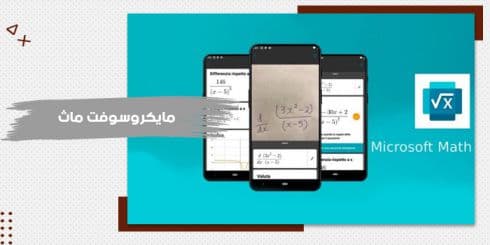
    Microsoft Math Training Kit

    A kit on Microsoft Math, an educational programme that helps users solve mathematics and physics problems in a simple, interactive way, covering installation, the interface, graphing and key tools.

    2 sessions
  • Package
    Tech & AI

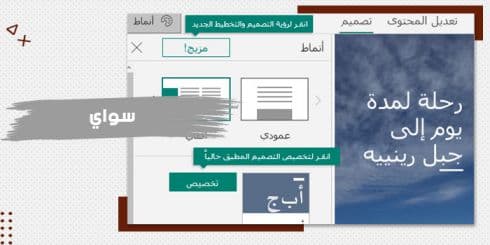
    SWAY Training Kit

    A kit on Microsoft SWAY for creating interactive web presentations that combine text, images and video from sources such as YouTube, Facebook and OneDrive, from its interface and tools to practical uses.

    2 sessions
  • Package
    Tech & AI

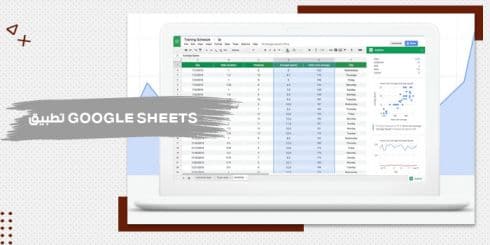
    Google Sheets Training Kit

    A kit on Google Sheets, Google's cloud spreadsheet application, covering creating and naming sheets, the interface and toolbar, sharing files for collaboration and downloading sheets to your device.

    2 sessions
  • Package
    Tech & AI

    Wizer Training Kit

    A kit on a modern digital tool for interactive learning content, building the skills to create interactive worksheets and use e-assessment among a teacher's digital tools.

    2 sessions
  • Package
    Tech & AI

    VideoScribe Training Kit

    A kit on a professional tool for making whiteboard-style educational videos, explaining VideoScribe and the basics of educational video production simply.

    2 sessions
  • Package
    Tech & AI

    Focusky Training Kit

    A complete kit on a distinctive tool for professional presentations with unique effects, building creative, interactive presentation design skills.

    4 sessions

Frequently asked questions

Teachers and trainers who want collaborative learning in class with safe, modern digital tools; supervisors and administrators developing internal communication between students and staff; IT trainers teaching Microsoft 365 in education; student activity coordinators looking for effective ways to run online brainstorming and group discussions.

Files coming soon