Step by step: from an idea to a ready training kit with Conti AI
· 3 min read
This guide walks you through Conti, from the first question to downloading your files. No technical skills needed; all you need is a clear idea of the programme you want to deliver.
Before you start
Any visitor can start the wizard and try the questions. Production itself needs:
A registered account with a verified email.
Enough Conti credits.
Conti checks all of this automatically before production starts, and makes sure you have no other task already running.
Step 1: answer the wizard
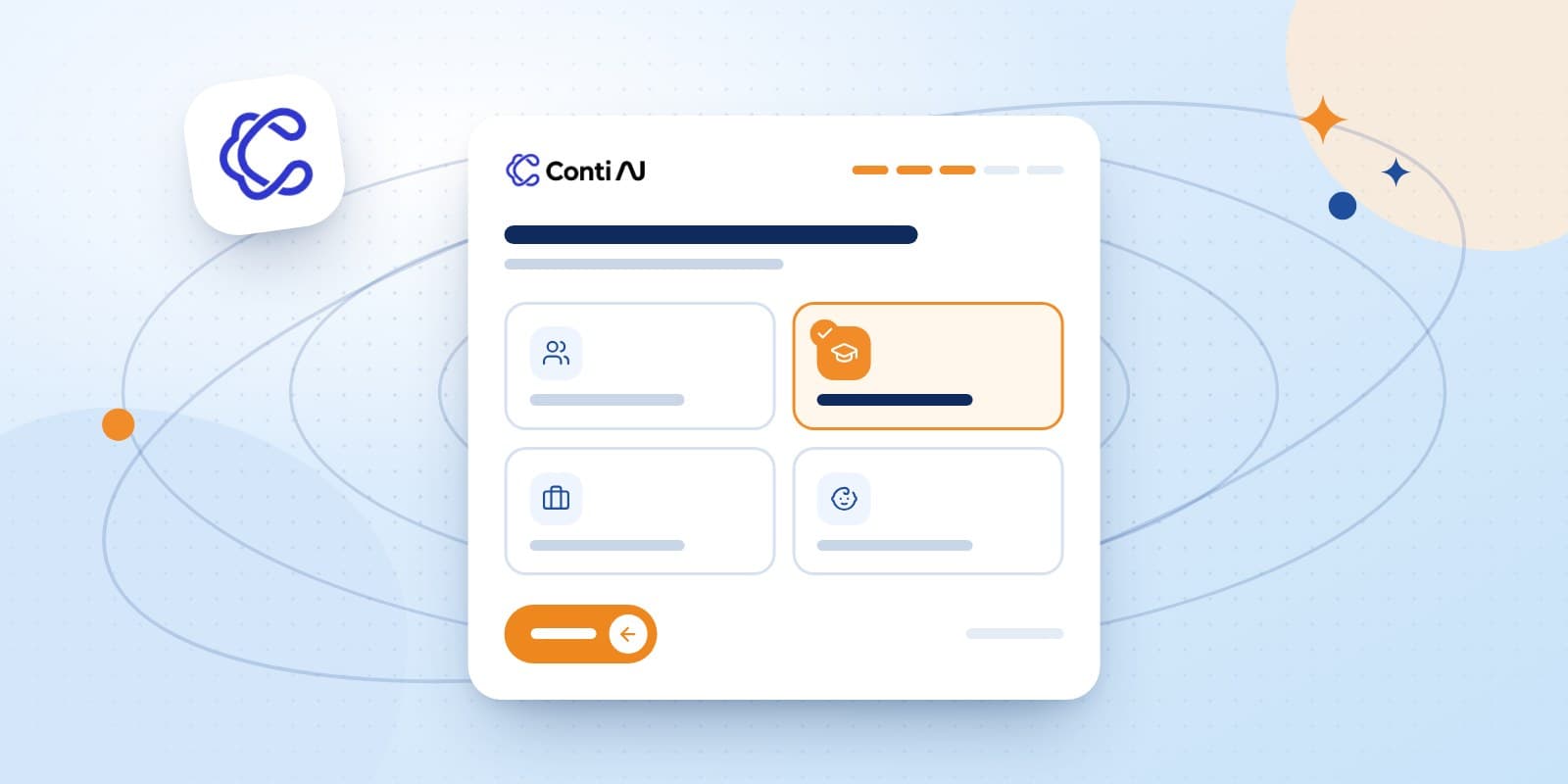
The wizard shows one question per screen with clear option cards, a progress bar and a back button: topic, audience, duration, language and more, depending on the tool.
Tip: the more precise your answers (say "middle managers in healthcare" rather than "employees"), the better the structure fits your audience.
Step 2: review and approve the technical conception
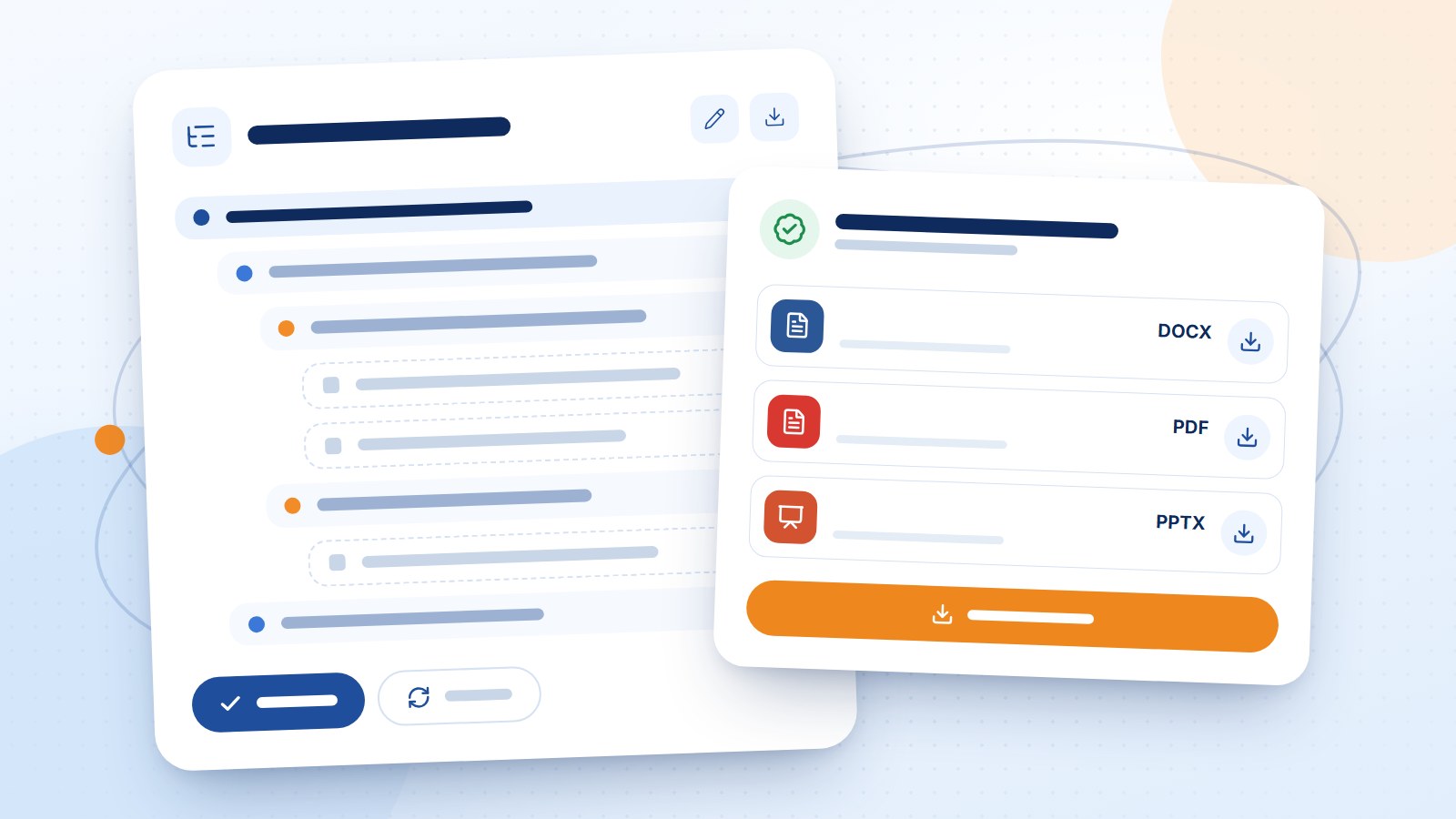
For kits and books, Conti stops after the technical conception and shows you an editable tree:
Days → Sessions → Axes → Topics
You can edit the titles, download the conception as Word, ask for a new one, then approve it to start production.
Step 3: follow production stage by stage
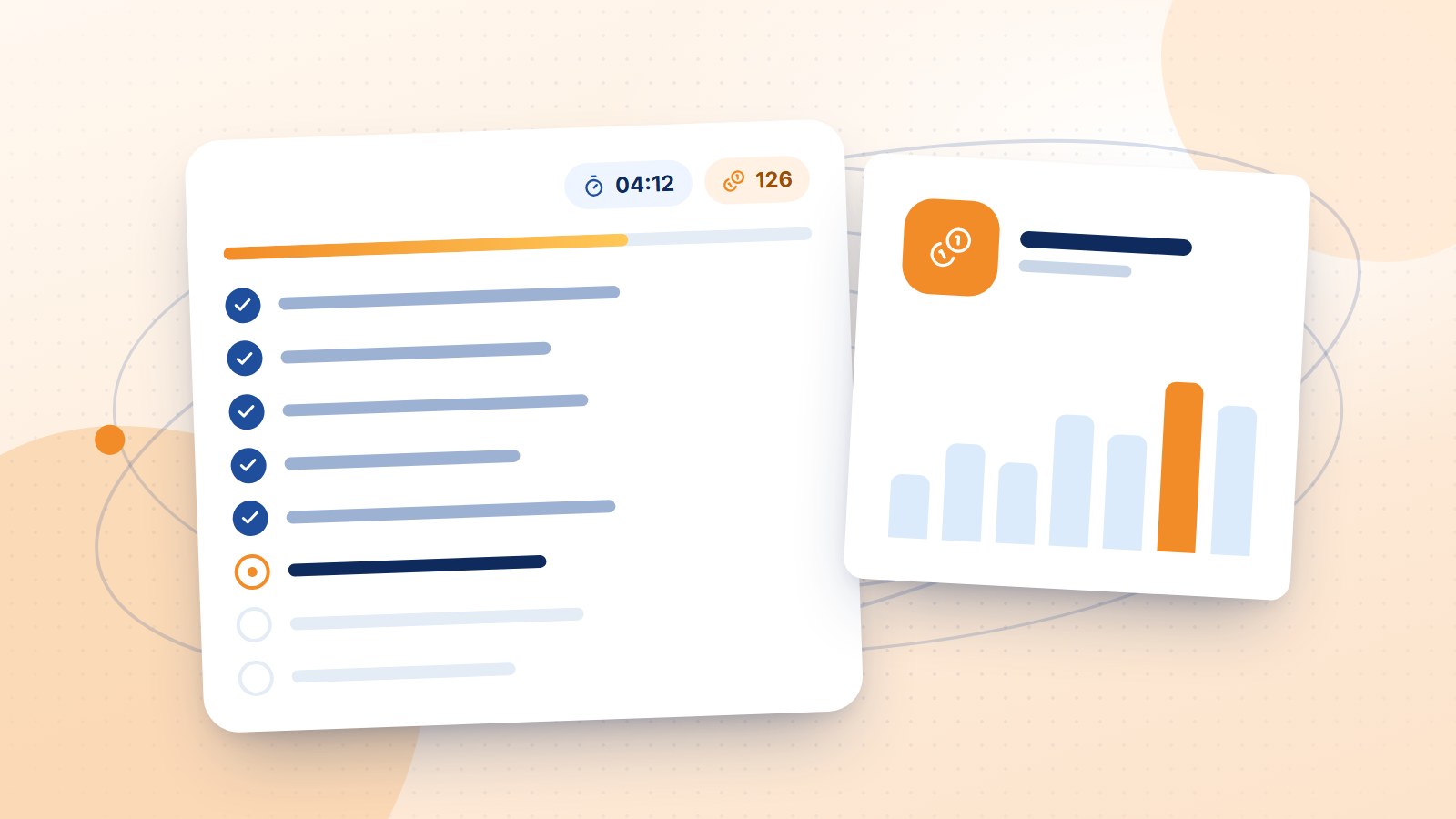
After approval the stages run in order, shown in a live checklist with the elapsed time and credits used:
Stage | What it produces |
|---|---|
Introduction | The programme and why it matters |
Objectives | Measurable objectives |
Content | The material for every axis |
Activities | Exercises and interactive activities |
Tests | Pre- and post-assessments |
References | A documented reference list |
Export | The final files |
You can pause production at any time. If a stage fails for any reason, you resume from where it stopped without redoing completed stages.
How are credits counted?
Credits are used by Conti only. Library downloads never use credits (they have a monthly limit set by your plan).
Credits are deducted per completed stage, based on the actual cost of production.
Credits do not expire monthly. If your subscription ends they are frozen and come back when you renew.
Step 4: download your files
When production is done, your files are ready as Word, PDF and PowerPoint, one by one or all at once. They stay in «My files», private to you, never added to the public library, and still available after your subscription ends.
After the download
From the result screen you can regenerate, or request a consultation with Roaya's experts to review or develop the kit.
Ready? Start with Conti now.