Conti AI vs generic AI tools: what is the real difference?
· 3 min read
Many trainers have tried writing training content with general chat tools and ended up in the same place: good text at first, then hours of copying, pasting, formatting and reviewing before anything is ready for a training room. This article explains why that happens and what Conti AI does differently.
A general tool knows everything… except your kit
Chat tools are built on large language models. They are excellent at answering a question or drafting a paragraph. But they do not know what a training kit is: that it is made of days, sessions and axes; that every session has objectives, activities and timing; that the trainee needs a different guide from the trainer.
So you become the project manager: you split the work into dozens of prompts, check that the answers agree with each other, and move everything into Word and PowerPoint by hand.
What Conti does differently
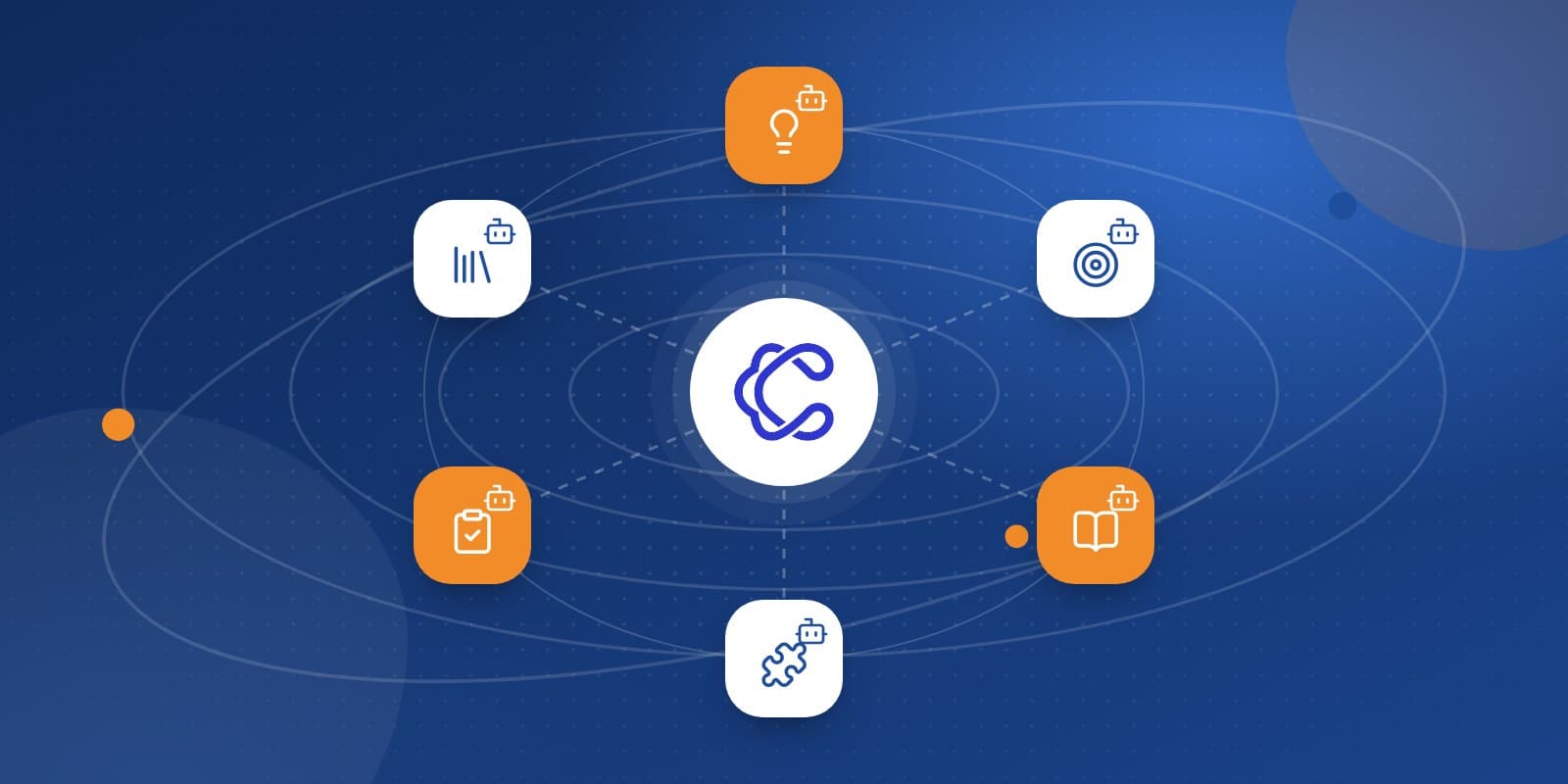
Conti is not a chat window. It is a production pipeline built for training content from start to finish:
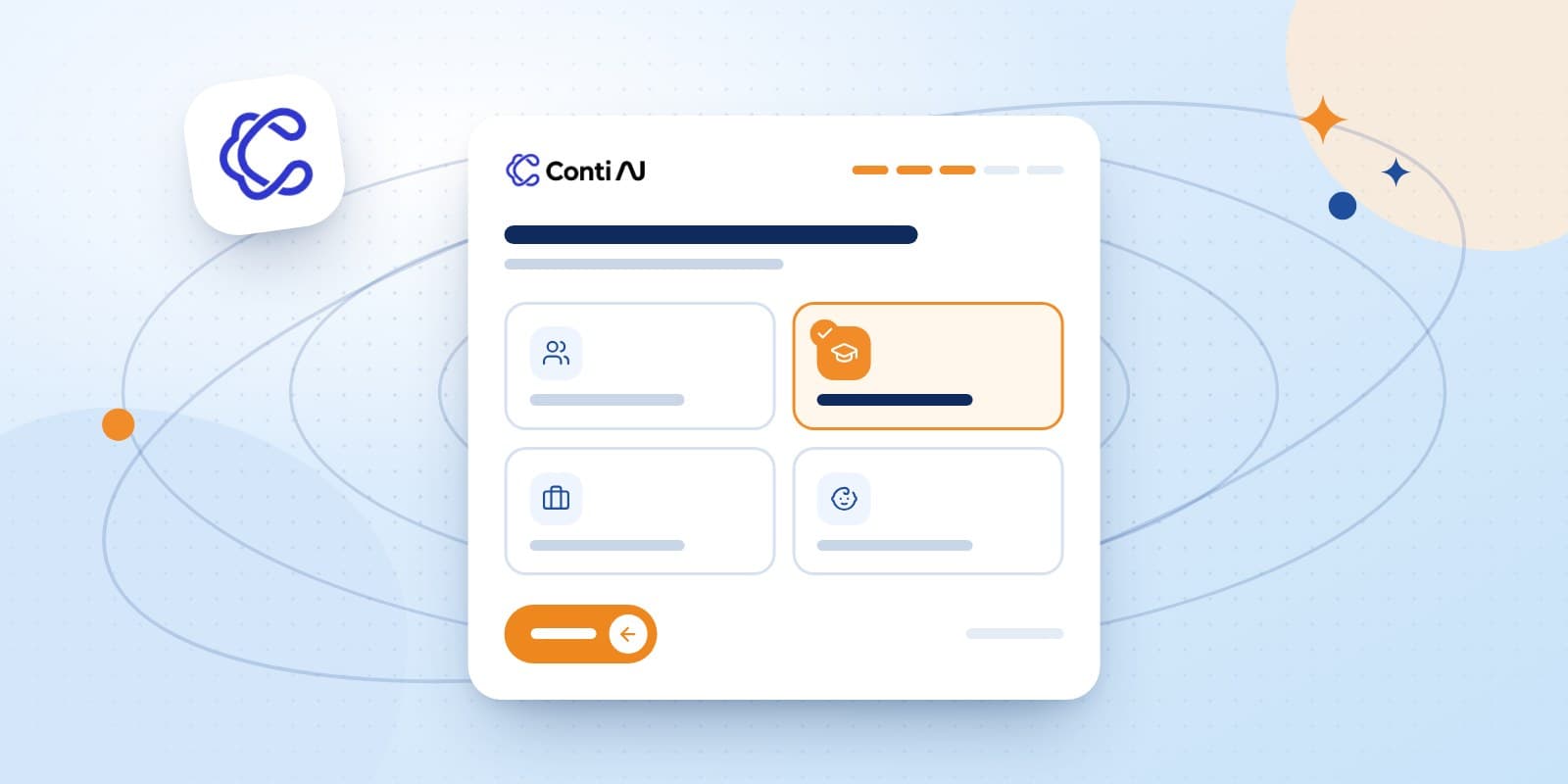
A clear wizard: one question per screen about the topic, audience, duration and language, instead of writing a long prompt and guessing what is missing.
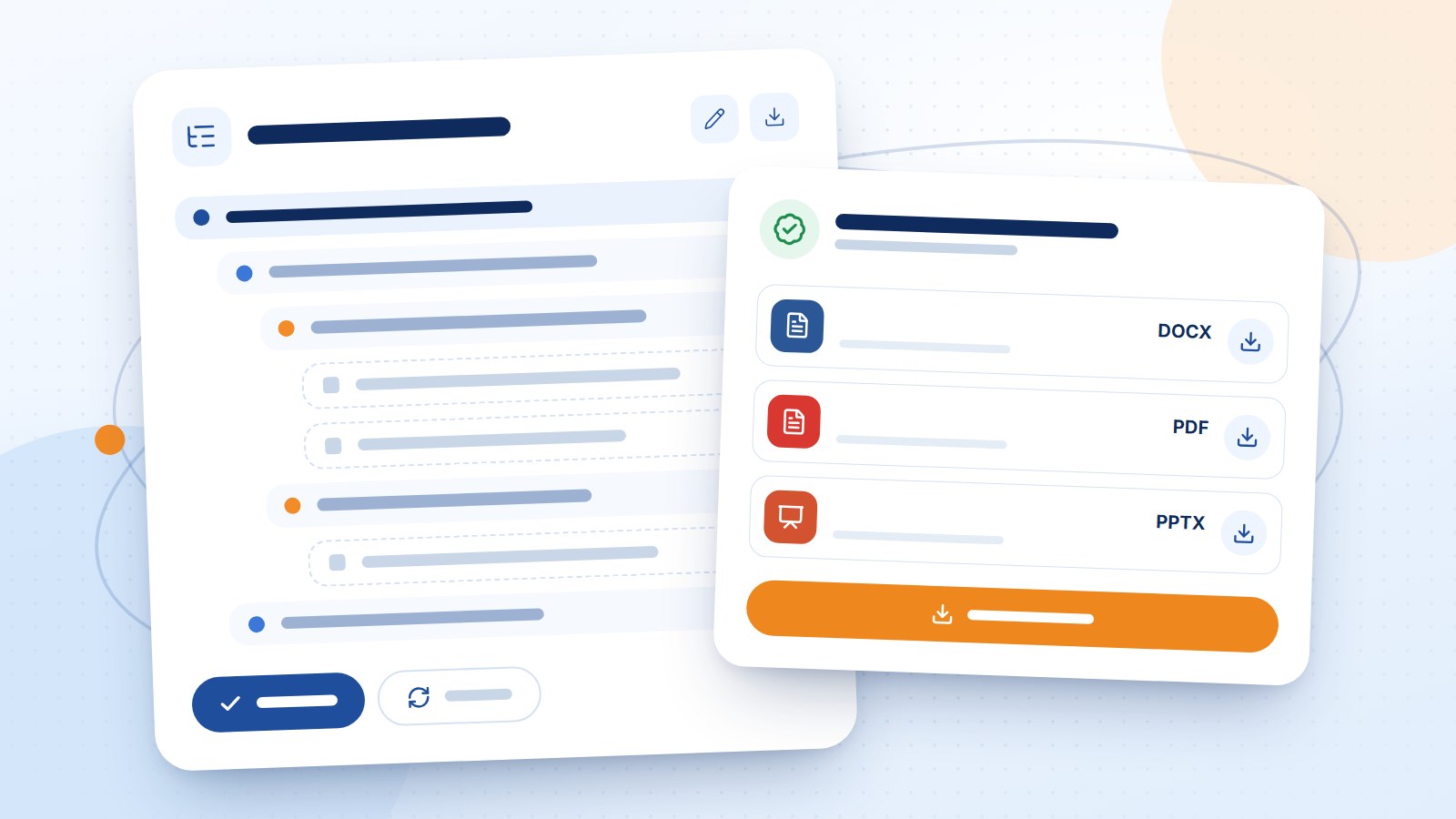
A technical conception you review first: Conti shows the kit's structure (Days → Sessions → Axes → Topics) so you can edit it, regenerate it or approve it.
Sequential stages: introduction, objectives, content, activities, tests, references, then export, each one built on the stages before it.
Files, not raw text: a trainer guide, a trainee guide, a PowerPoint deck, plus Word and PDF files.
The difference is not only how "smart" the model is. It is everything around it: the right questions, an approved structure, review points and the final formatting.
A quick comparison
Criterion | General chat tool | Conti AI |
|---|---|---|
Starting point | A prompt you write yourself | A wizard designed for trainers |
Kit structure | Built by hand across several chats | An editable conception you approve |
Consistency between parts | Your responsibility | Each stage builds on the previous ones |
Output | Text in a chat window | Word, PDF and PowerPoint files |
Progress | None | A live stage checklist with time and credits used |
Pause and resume | Usually start over | Resume from where it stopped |
File privacy | Depends on the tool | Your files are private and never enter the public library |
When is a general tool enough?
We are not saying chat tools are useless. They are great for:
Quick brainstorming of activity ideas or examples.
Rewording or simplifying a paragraph.
Quick questions while you prepare.
But when you need a complete training product to hand to a client or deliver in an accredited programme, a specialised pipeline saves most of the time you would spend assembling and formatting.
And human review? Still essential
Any language model can make mistakes or "hallucinate" a wrong fact. That is why Conti keeps you in charge: you approve the structure before production and receive editable files. This matches UNESCO's guidance on generative AI in education, which stresses human verification and accountability.
The bottom line
If you need an answer, any general tool will do. If you need a complete training kit with its files, fast, with you still in control, try Conti AI or see the subscription plans.